Candy Triggers
Universal State Machine for Triggers & Switches
Candy Triggers is the tool you need for activating and controlling objects in the game environment.
Picture the following:
• A switch that opens and closes a door when the player interacts with it.
• A dial that moves a platform to several different positions.
• A console that controls multiple devices.
• A combination lock that requires setting multiple levers in the correct position.
• A pressure plate that sets off a trap when stepped on.
• An alarm that activates after 5 minutes.
• Enemy patrols that become suspicious when the player makes noise nearby.
All these events require a trigger: code that activates them. Candy Triggers allows you to create these triggers by just configuring variables, from one universal script!
Candy Triggers offers the following features:
- Any input can drive a trigger: player interaction, key presses, collision, timers, proximity, custom game events — anything you can call from code.
- States can trigger effects on any type of objects — doors, machines, vehicles, traps, NPCs, even other triggers.
- Compatible with any effect you can think of: you program it, it triggers it.
- Triggers can work on any number of objects and effects at once.
- Setup cooldowns before more effects can be triggered, or automatic triggers after a countdown.
- Entirely configurable through the Inspector or through Candy Tools.
Easy Setup
To start, create a trigger in your game environment — a switch, a pressure plate, a camera… Then just attach the Candy Triggers script to it, or to one of its child nodes.
After that, just configure the trigger in the Inspector: create trigger ‘states’, select which objects each state targets and what effects are triggered, indicate which states can be switched to, and optionally setup timers.
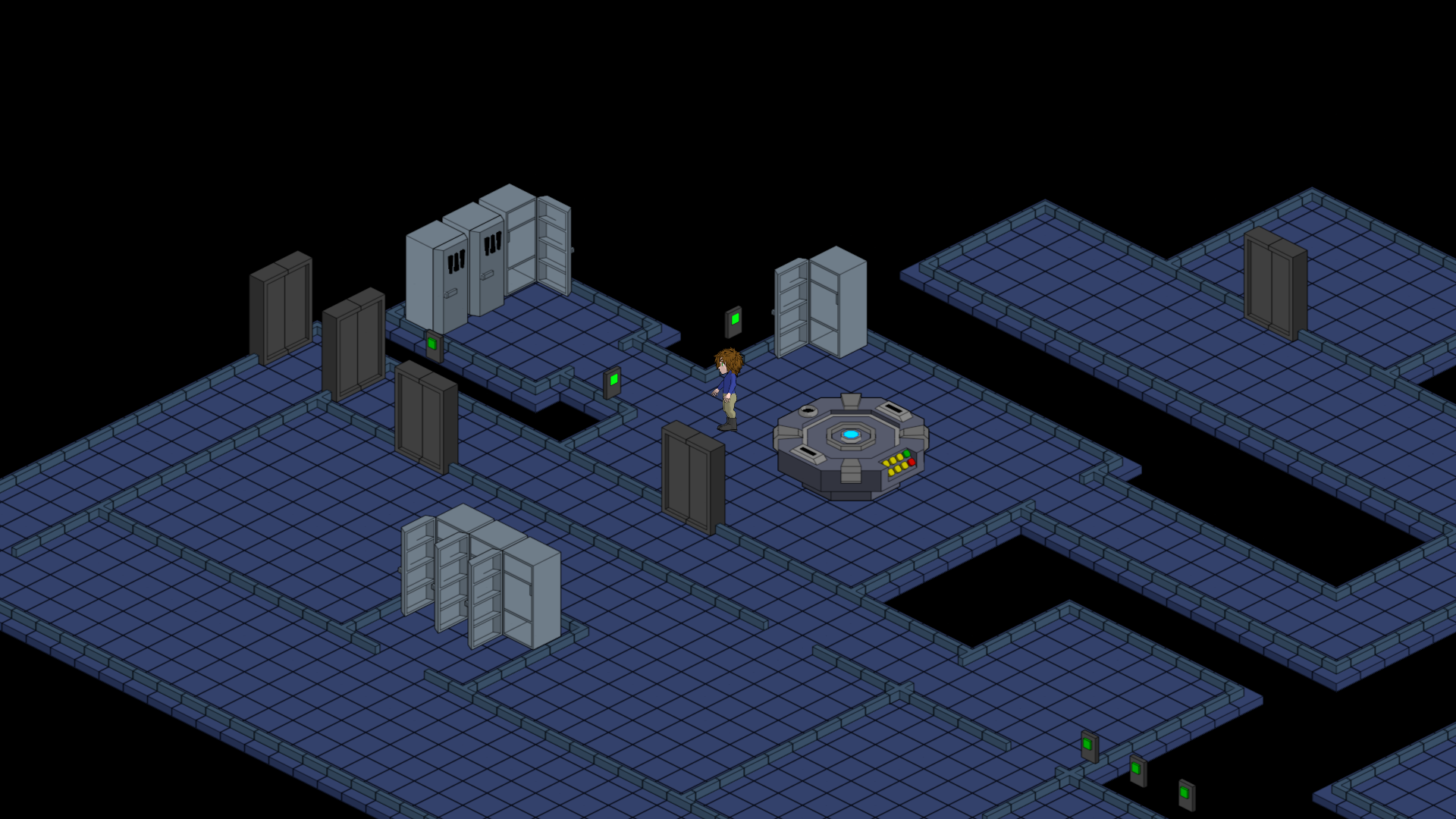
Targets & Effects
A target can be any node in your project, and any effects you can program can be triggered on it.
Candy Triggers just calls a function on each target, and passes the selected effects as an array. You just need to write the code in that function: iterate through the array, and use a match statement to program what each effect does.
For example, for opening a door, just make the code change the sprite (or animate the door opening), play a sound, and disable collisions so characters can walk through.
Triggers can target other triggers for advanced logic chaining, and they can even target themselves — such as a lever that opens a door and changes its own position visually on screen.
States
If you’re not familiar with state machines, triggers work by navigating through states:
Each state is a unique configuration that decides what effects are triggered on which targets, whether timers run for various purposes, and which other states can be reached.
For example, a lever for a door might have two states: ‘opened’ and ‘closed’. It starts in the closed state, and from there it can switch to the ‘open’ state, which opens the door and animates the lever to make it change position. The ‘open’ state can then switch back to the ‘closed’ state.
It’s very intuitive logic, and even beginners should find it easy to learn.
State Navigation
To make triggers switch to another state, you only need to call a function in the Candy Triggers script, and give it two arguments: the navigation method to use, and the state to switch to.
The function can be called any way you want: the player interacting with an object, walking on (colliding) a trap, entering a camera or enemy’s field of view, pressing a key, game events unrelated to the player, a timer timeout…
Four navigation methods are provided:
Jump — Switch directly to an arbitrary state, with optional blacklist/whitelist that defines which states are accessible from a given state.
Next/Previous — For each state, define any states as ‘Next’ and ‘Previous’; this method browses through the chain until landing on a state that is available.
Repeat — Simply repeat the effects and timers of the current state.
Countdown — Inside any state, configure a timer that will automatically switch to another state upon reaching 0.
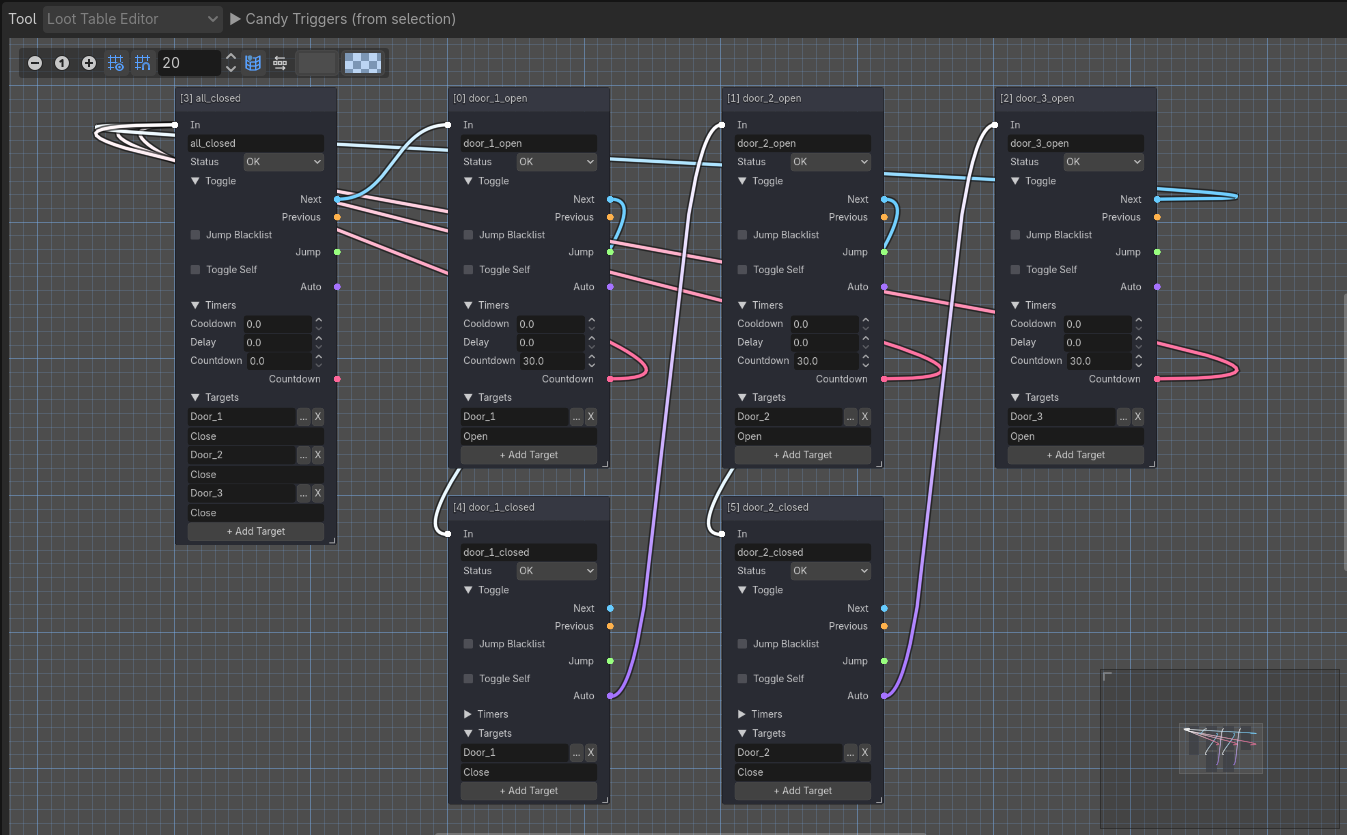
States also have three status options that guide navigation:
OK — The state is available, and all effects and timers will be triggered.
Inactive — The state can be switched to, but won’t trigger its effects and timers.
Disabled — The state can’t be switched to or repeated. Next/Previous will skip over it when browsing.
Together, these options enable many possibilities, from simple toggle switches to advanced interfaces that control multiple objects through various buttons.
This also enables ‘locked’ states that are only accessible once some conditions are fulfilled (or rendered permanently inaccessible), or ‘hidden’ states that can only be switched to by code or timers.
Timers
Timers can be setup inside each state, and activate when the state is switched to:
Delay — Upon reaching a state, wait a specified amount of time before triggering effects.
Countdown — Automatically switch to another state after a specified amount of time.
Cooldown — Prevent switching to any other state until a specified amount of time.
These are very simple to configure — just write a countdown value or leave it empty — but they open a lot of possibilities: doors that automatically close, traps that need time to re-arm before they can activate again, alarms that activate unless disabled in time, enemies that stop looking for the player once enough time has passed…
Expansion and Customization
The code contains many calls to a hook function, which you can customize to inject custom behavior at various steps in the logic.
For maximum convenience, each instance can use a different hook function.
As usual with our addons, you have access to the full code.
Pricing
Indie licenses:
• Candy Triggers costs €10 only.
• This includes all Indie license tiers (Free, Starter and Pro), and no additional payment is required when upgrading tiers.
• Indie Licenses are valid for one individual. They last a lifetime and can be used by the same license holder for unlimited projects without additional payment.
• Indie licenses are a special offer to support small projects, priced considerably below the value our assets provide. See the Indie Project Checklist to determine if your project qualifies.
Studio licenses:
• Candy Triggers is a Minor Asset. Studio projects can use our Minor Assets freely as long as they pay a minimum royalty rate of 1%.
• To clarify: Studio projects that already pay 1% or more for the use of other Major or Minor Assets don’t have to pay additional royalties.
• Studio Licenses apply per project and have no seat, budget or revenue limits. Royalties are calculated on gross revenue. Studio projects that earn 0 pay 0.
Features are identical across all licenses.
See our Licensing page for more details.
Compatibility
Godot:
Candy Triggers is compatible with Godot Engine 4.
• It’s officially supported for Godot 4.4+.
• Godot 4.3 is not officially supported but appears to be fully compatible.
• Godot 4.0 to 4.2 are not officially supported, but a modified version of Candy Triggers is provided.
• Candy Tools features only work in Godot 4.3+.
Operating System & Hardware:
Dependent on Godot: hardware and operating systems that can run Godot can run Candy Triggers.