Copyright © 2025-2026 Candy Arts
Choices
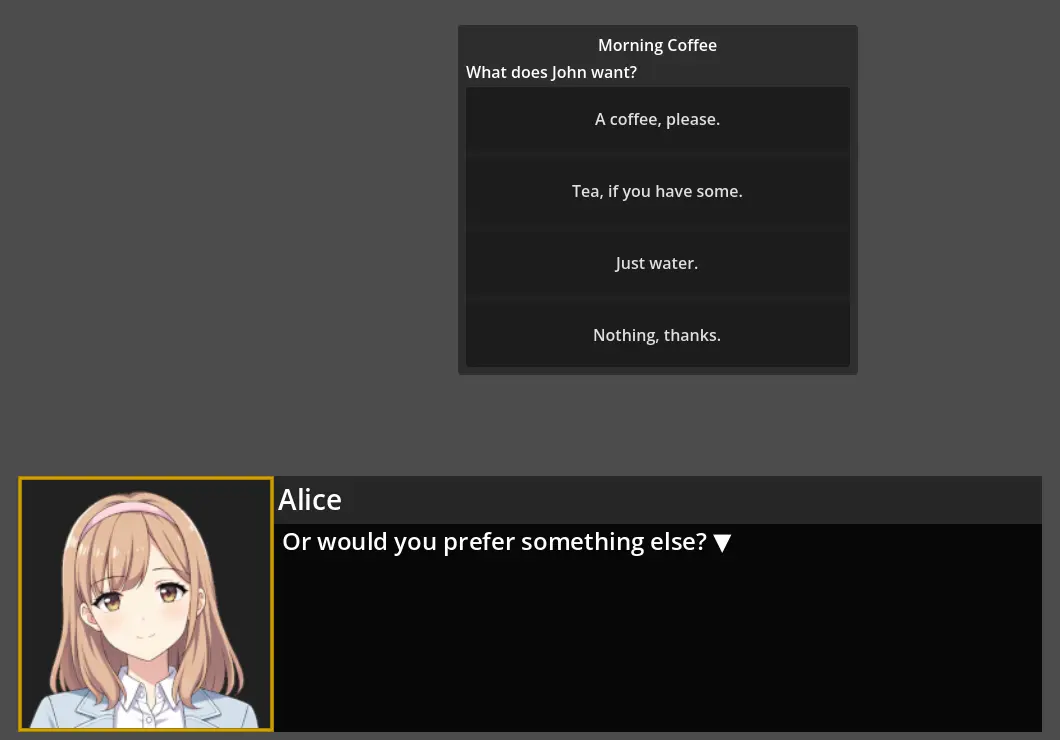
In this tutorial, you will learn to let the player choose what a character says, with the Choice_List command. In the morning scene, after Alice offers John a coffee, a menu of four choices lets the player pick John's answer, and Alice or John reacts to it.
Before You Start
This tutorial continues the Dialogue of the Branching tutorial. It must be open in Candy Dialogue Creator: if you saved it (File > Save) and closed Candy Dialogue Creator since, open it again with File > Load Dialogue...
The reactions to the choices use the LM, Return and Bridge commands, as the results of the If chain do in the Branching tutorial.
1. Writing the Reactions
Each choice has its own reaction. The four reactions are written in one Block, Drinks, each starting with an LM command and ending with a Return command.
1. Add a Block to Conversation_1, named "Drinks".
2. Write the four reactions in Drinks: for each one, an LM command with its Reference, a Spoken Line, and a Return command.
| LM Reference | Speaker | Portrait | Text |
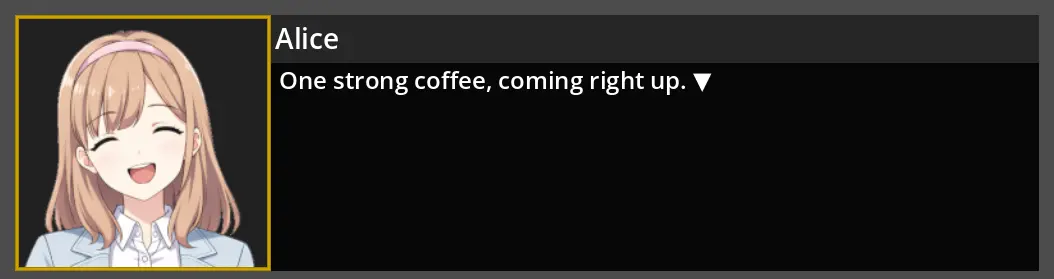
| Coffee | Alice | Happy.png | One strong coffee, coming right up. |
| Tea | Alice | (empty) | Green or black? Never mind, I will surprise you. |
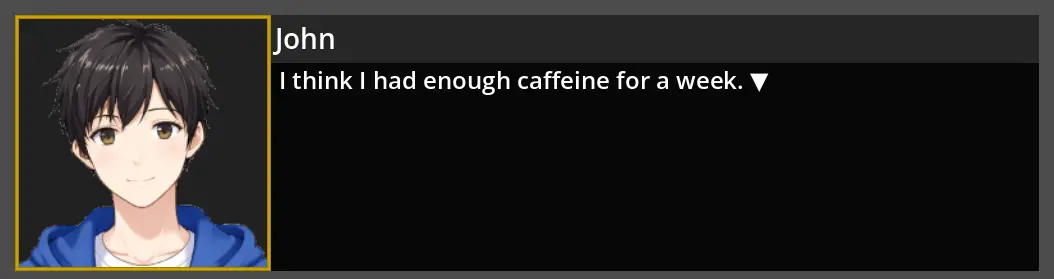
| Water | John | (empty) | I think I had enough caffeine for a week. |
| Nothing | Alice | Skeptical.png | Suit yourself. More coffee for me. |
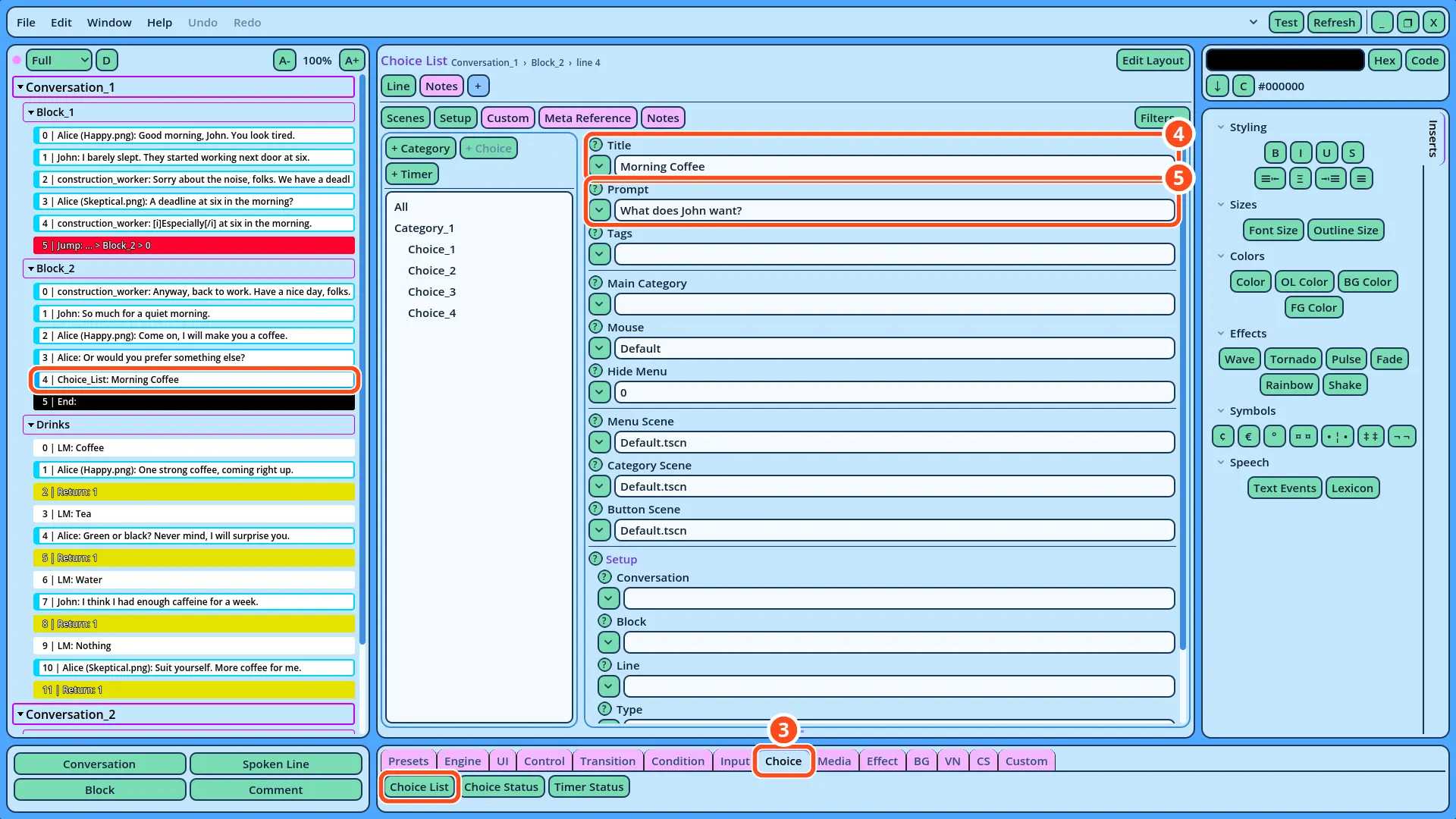
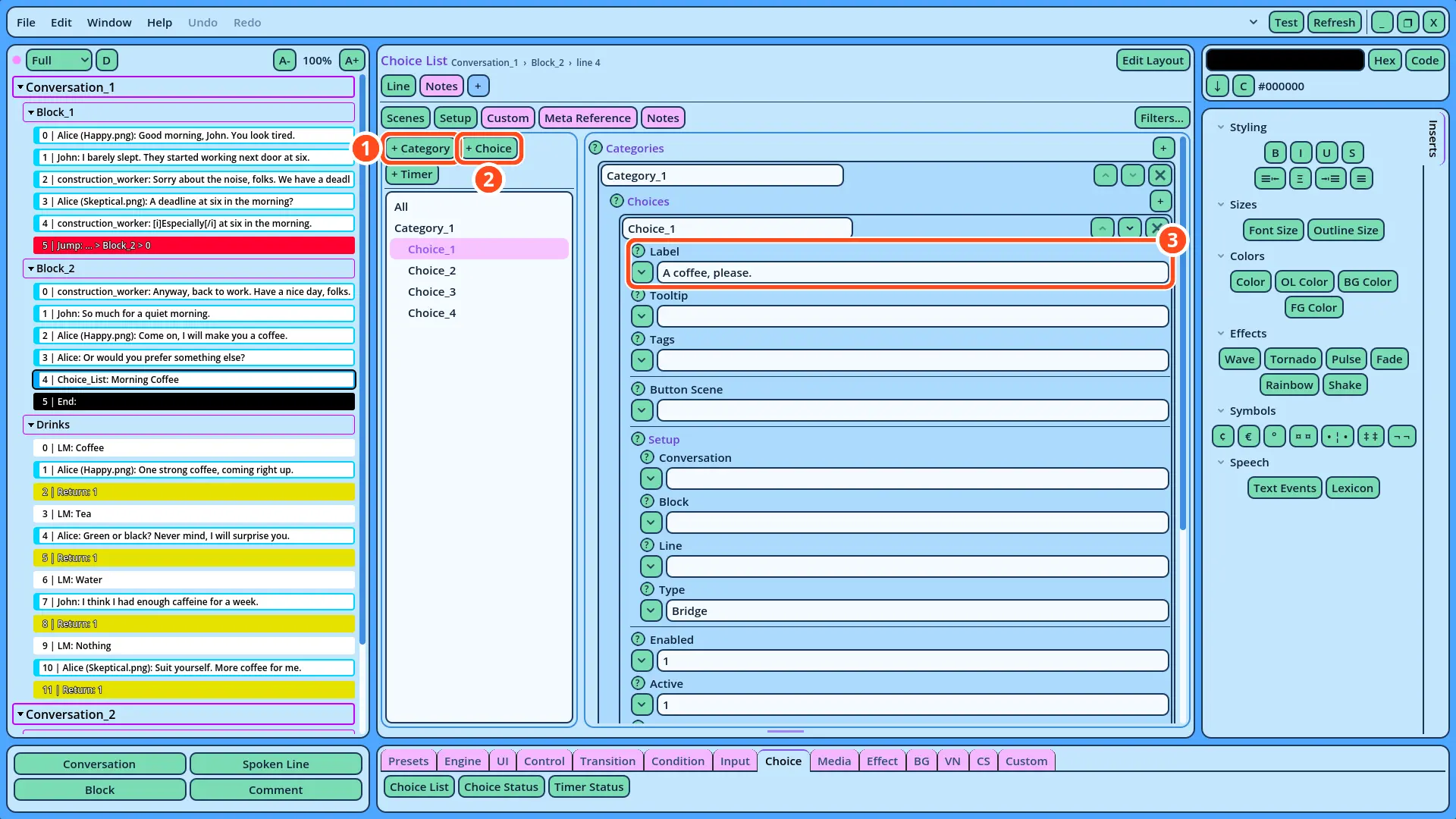
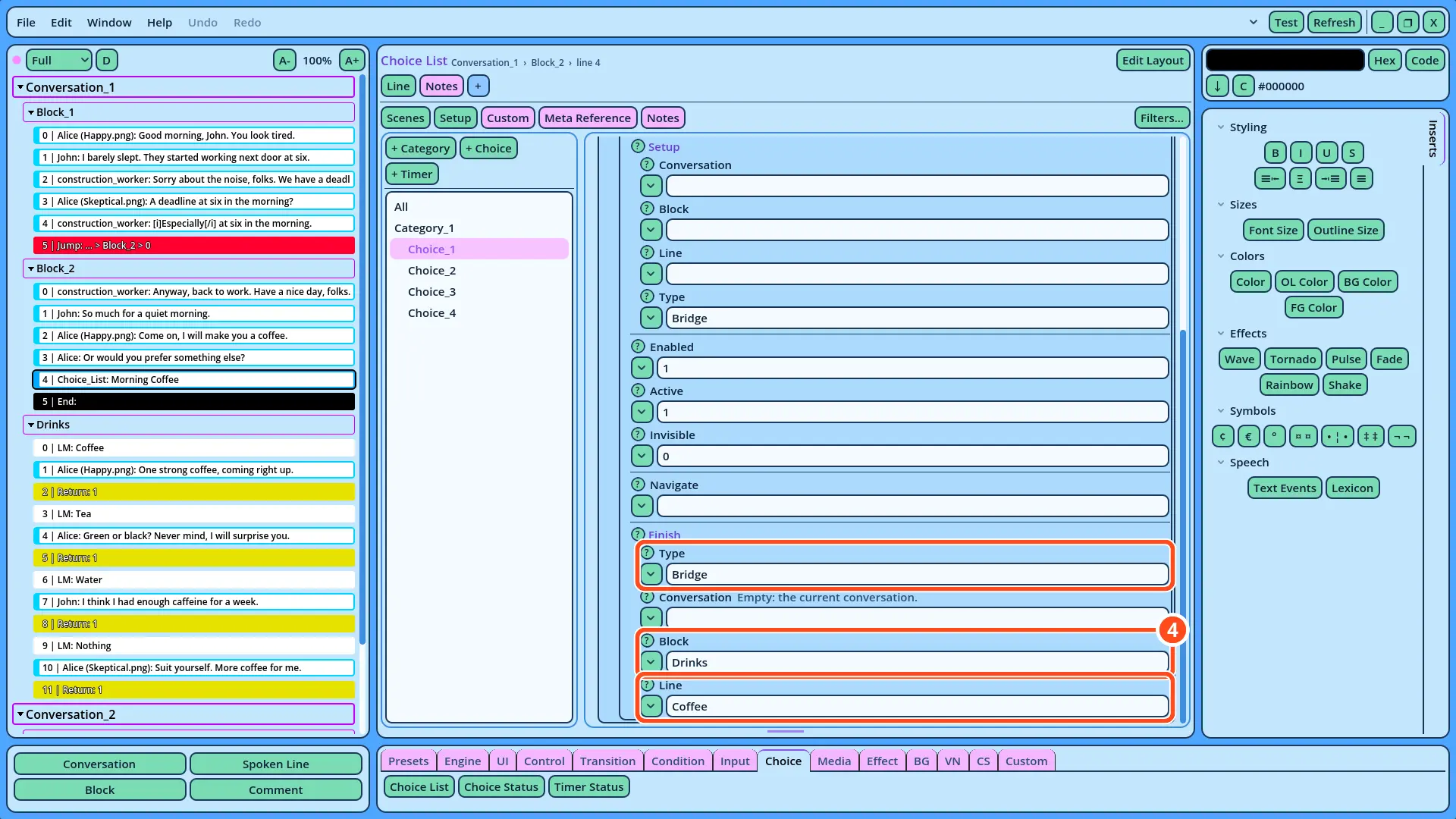
| Choice | Label | Finish Line |
| Choice_2 | Tea, if you have some. | Tea |
| Choice_3 | Just water. | Water |
| Choice_4 | Nothing, thanks. | Nothing |