Copyright © 2025-2026 Candy Arts
Playing Media
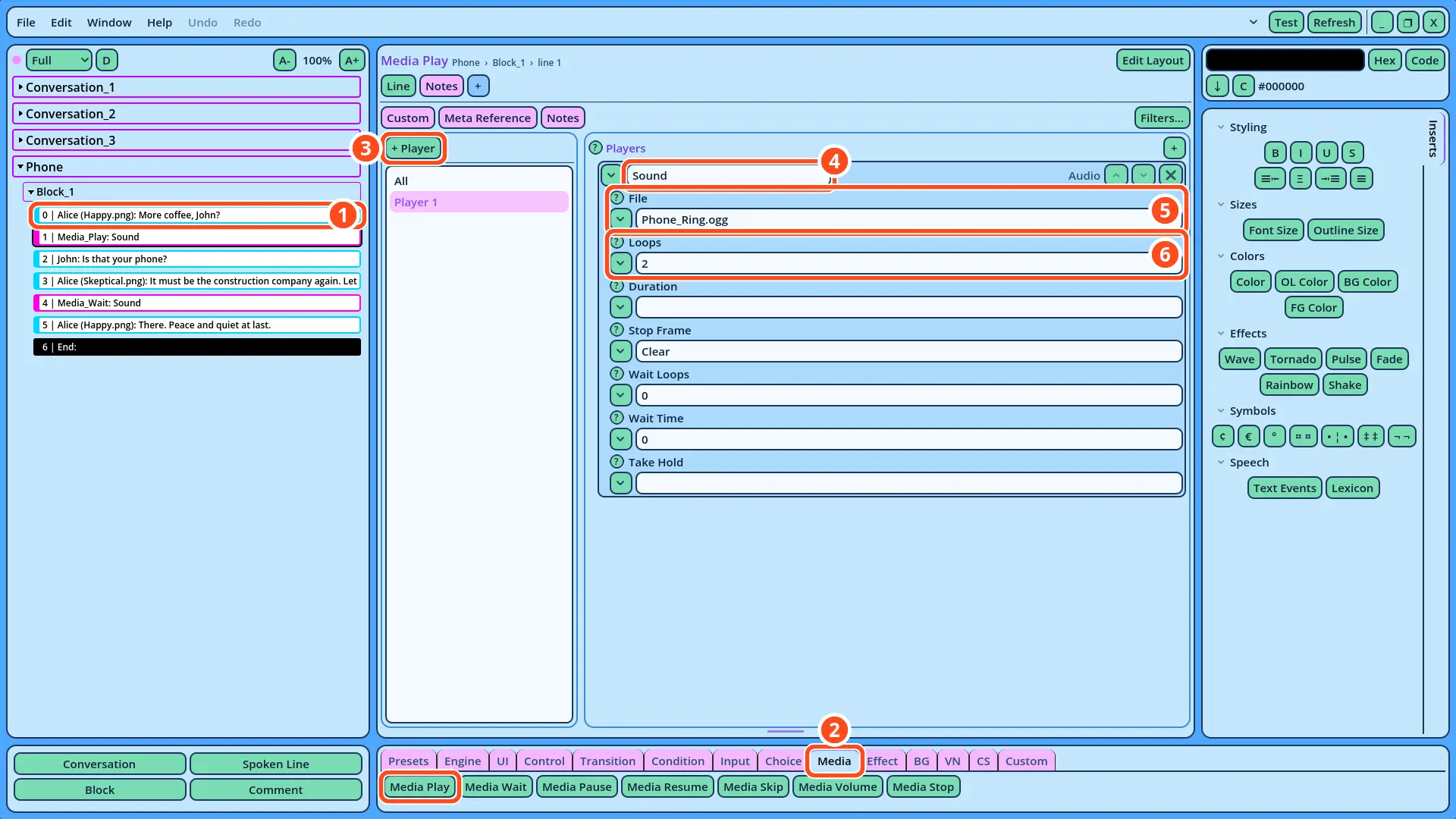
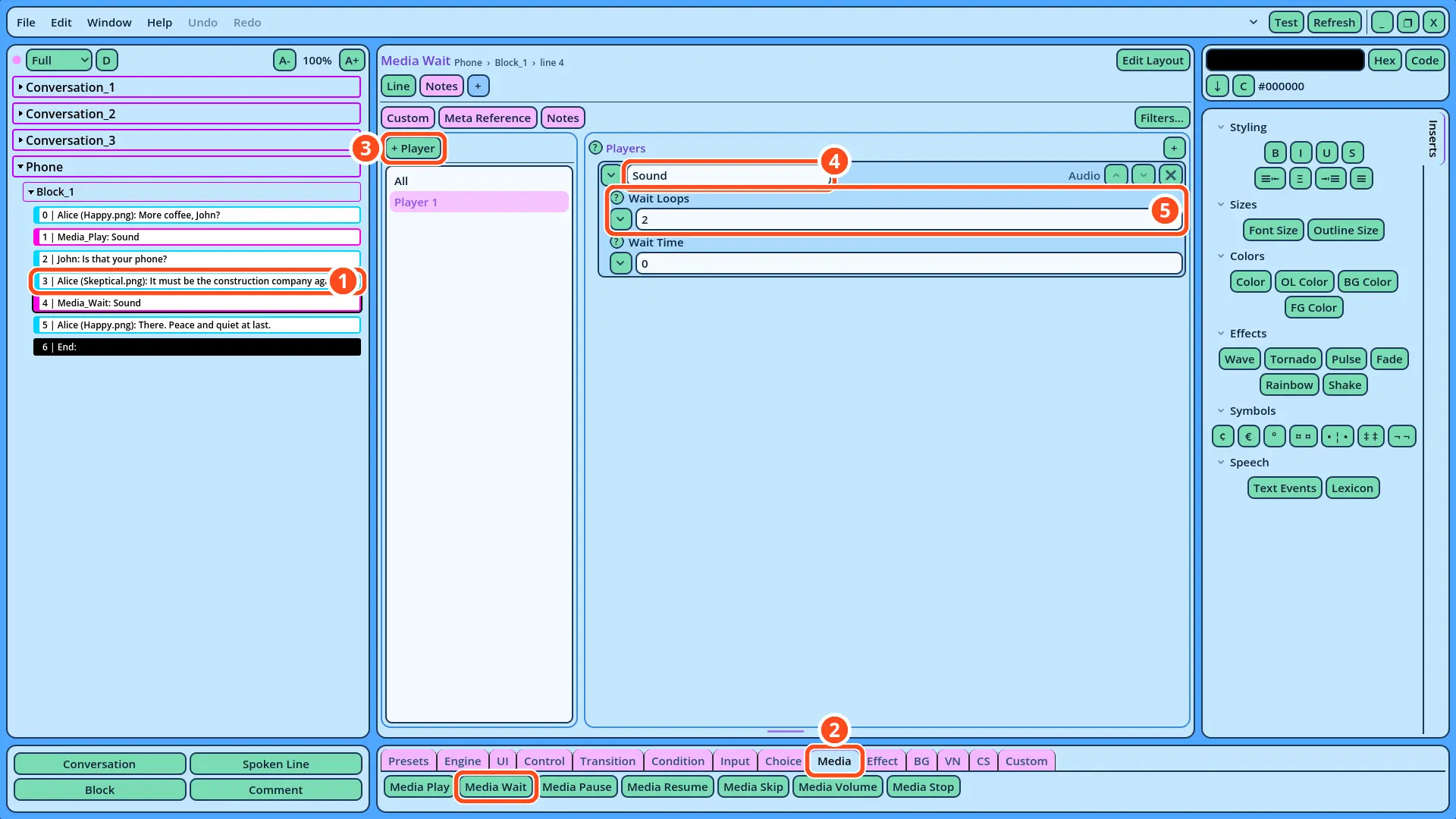
In this tutorial, you will learn to play a sound during a Dialogue, with the Media_Play command, and to make the Dialogue wait until the sound ends, with the Media_Wait command. In a new scene, John visits Alice, and her phone rings while they talk. Alice ignores it, and only speaks again once the ringing has stopped.
Before You Start
This tutorial continues the Dialogue of the Text Input tutorial. It must be open in Candy Dialogue Creator: if you saved it (File > Save) and closed Candy Dialogue Creator since, open it again with File > Load Dialogue...
1. The Sound File
Sounds are played by audio players. The dialogue UI provided with Candy Dialogue Engine contains several of them, and this tutorial uses the one named Sound: the SoundPlayer node of the dialogue UI scene. Each player plays the files of a folder named after it: the Sound player's files are in Candy_DE/Media/General/Audio/Sound.
The sound of the phone, Phone_Ring.ogg, is already in that folder: it's part of the Media folder you copied in the Dialogue tutorial. It lasts three seconds: one second of silence, two rings in quick succession, and one more second of silence.
2. Writing the Scene
1. Add a Conversation named "Phone", as in the Conversations tutorial.
2. In its Block_1, add four Spoken Lines:
| Speaker | Portrait | Text |
| Alice | Happy.png | More coffee, John? |
| John | (empty) | Is that your phone? |
| Alice | Skeptical.png | It must be the construction company again. Let it ring. |
| Alice | Happy.png | There. Peace and quiet at last. |