Copyright © 2025-2026 Candy Arts
Conversations
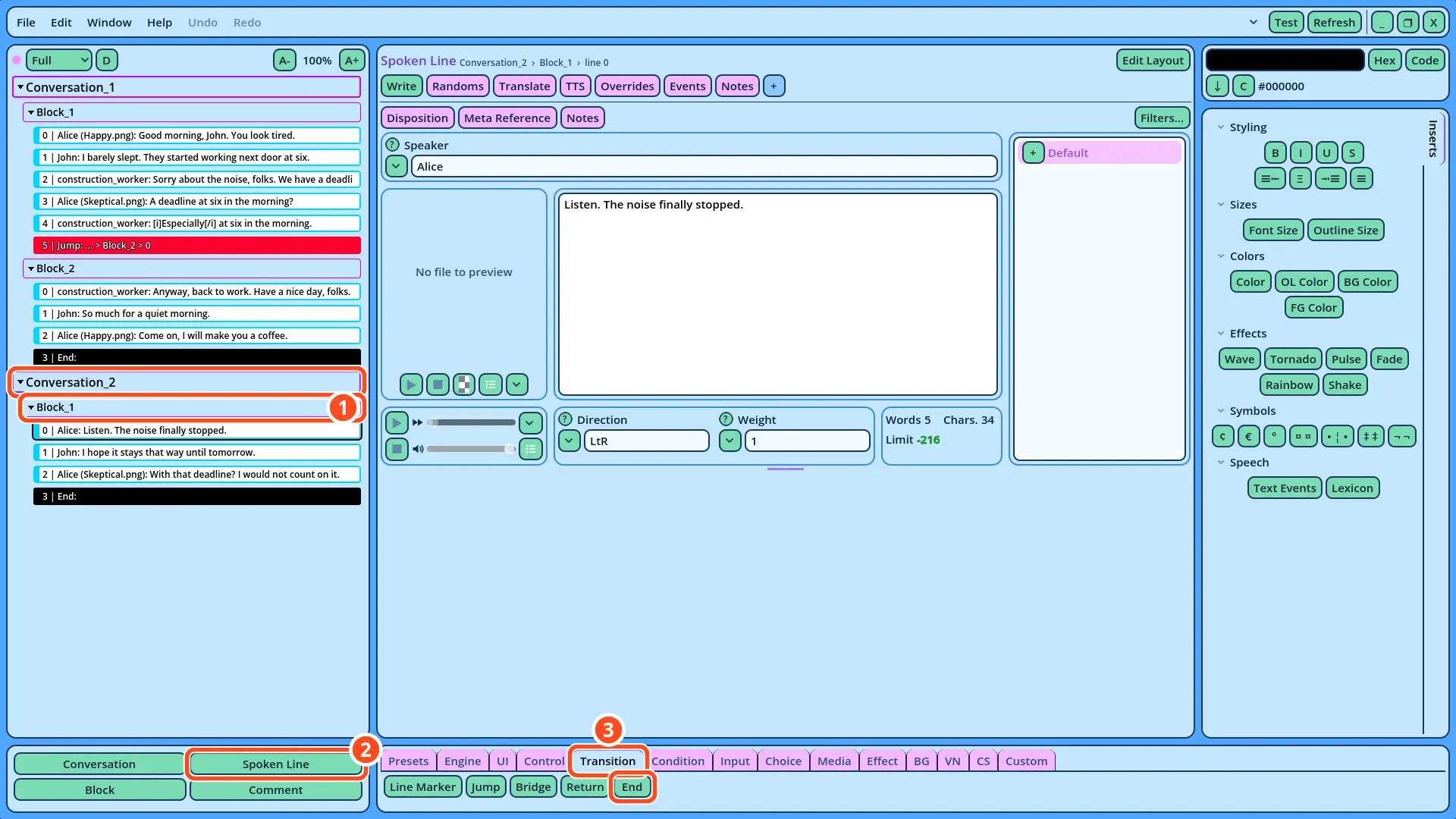
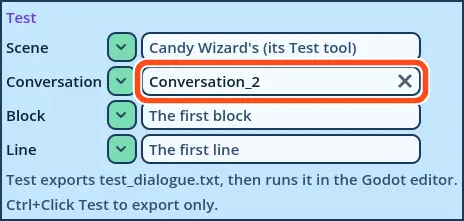
In this tutorial, you will learn to divide a Dialogue into Conversations, and to test each Conversation on its own. The morning scene of the previous tutorials is Conversation_1. A second Conversation, Conversation_2, is a scene that takes place later in the game, in the evening.
There is no hard rule about what Conversations and Blocks should represent: you can split your dialogues any way you like. But in this tutorial's Dialogue, a Conversation represents one scene of the game: the game can start the Dialogue at any Conversation, and the Dialogue ends with that Conversation.
Before You Start
This tutorial continues the Dialogue of the Connecting Blocks tutorial. It must be open in Candy Dialogue Creator: if you saved it (File > Save) and closed Candy Dialogue Creator since, open it again with File > Load Dialogue...
1. Adding a Conversation
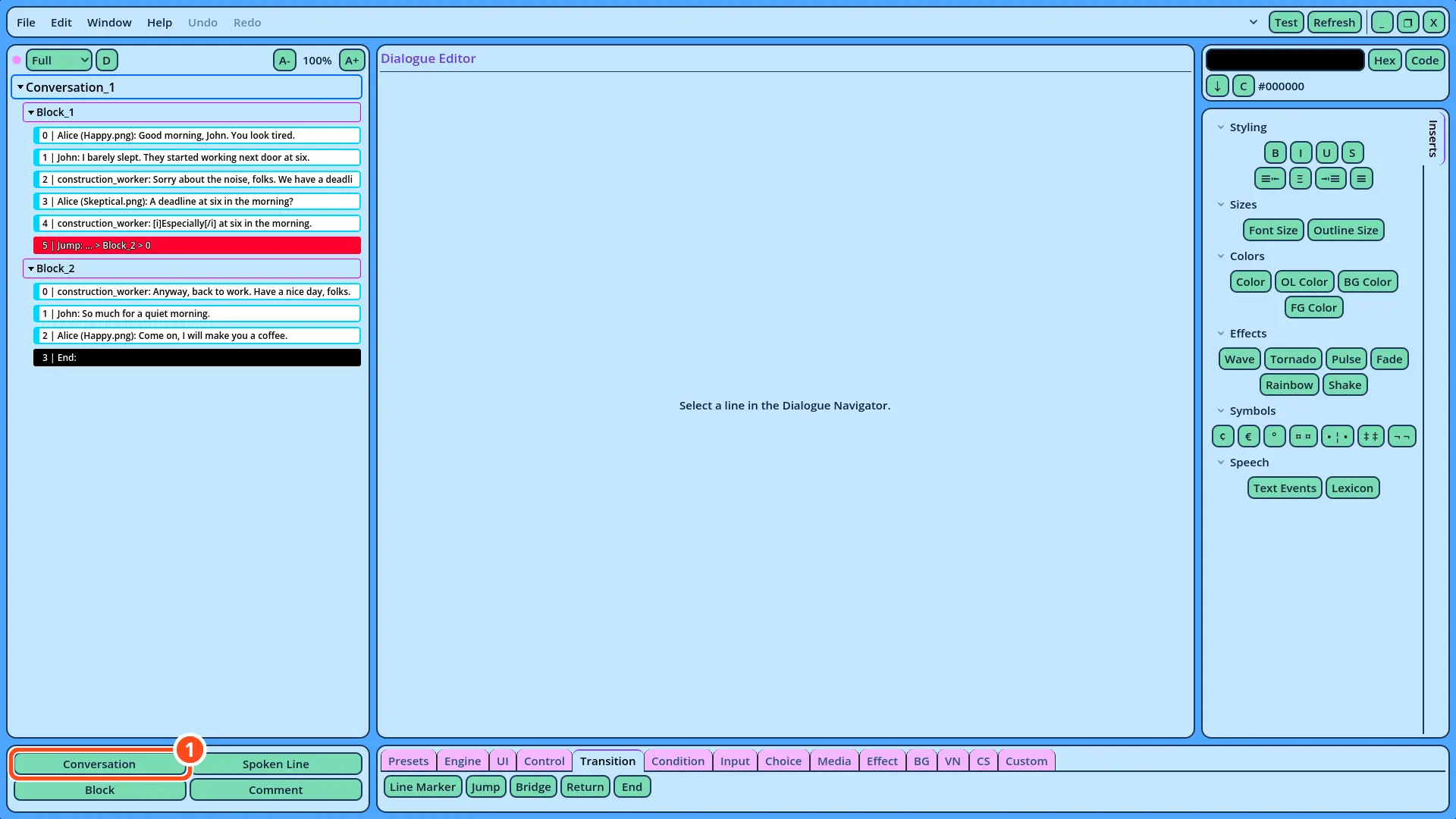
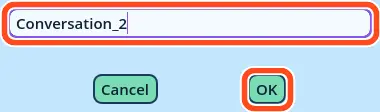
1. In the Buttons panel, click Conversation. A window asks for the new Conversation's name.
| Speaker | Portrait | Text |
| Alice | (empty) | Listen. The noise finally stopped. |
| John | (empty) | I hope it stays that way until tomorrow. |
| Alice | Skeptical.png | With that deadline? I would not count on it. |