

Documentation Window
Help > Documentation, in the top bar, opens the documentation in a window of its own. It stays open beside your work, on another screen too, and reopens where it was left.
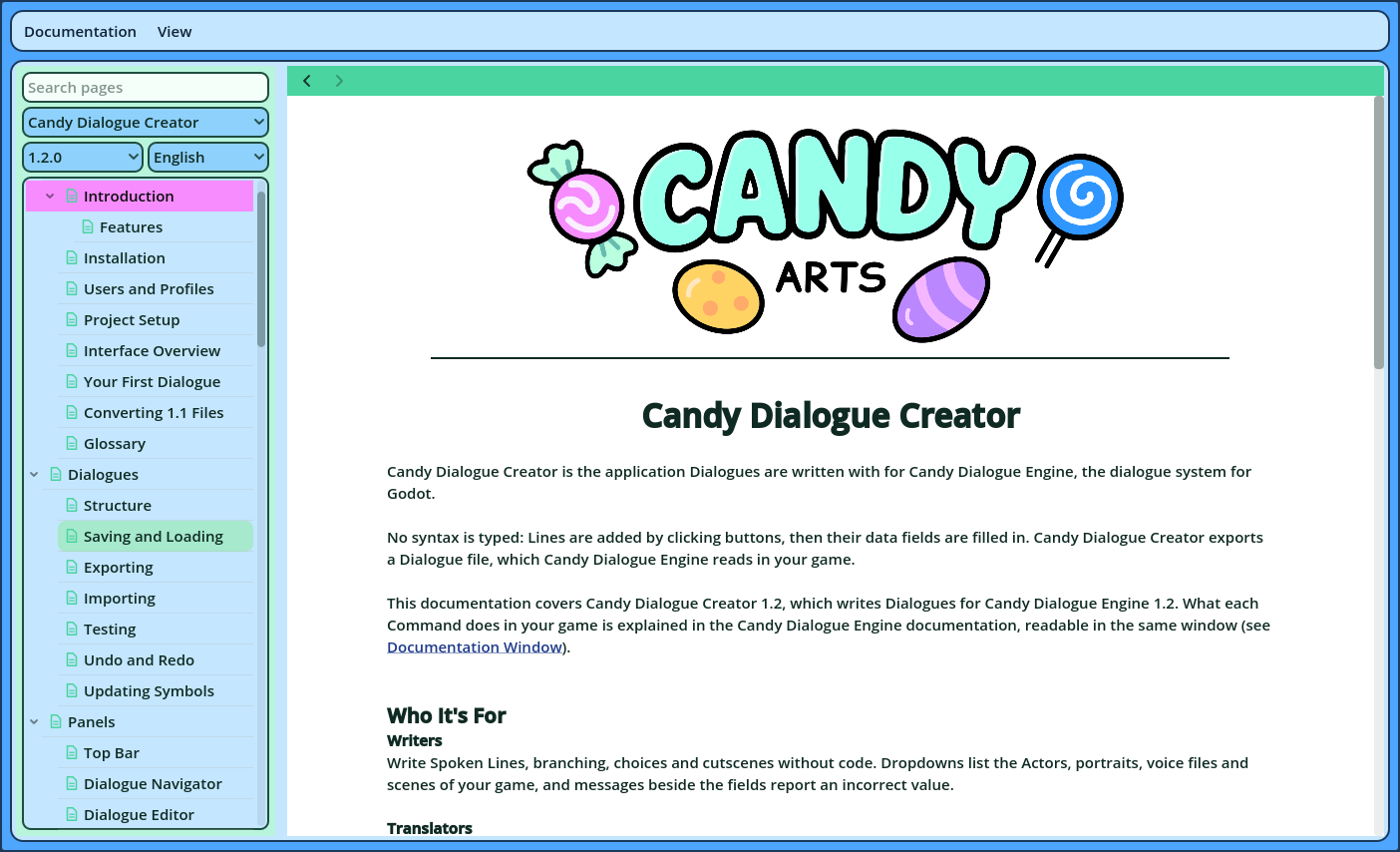
The window displays documentation databases: this documentation, Candy Dialogue Engine's, and any other you add.
| Documentation menu | What it does |
| Download Documentation / Update Documentation | Checks for newer documentation and downloads what changed. |
| Refresh | Reads the documentation folder again, after a database was added to it or changed. |
| Open Documentation Folder | Opens the folder the documentation is stored in. |
| Look for Updates Once a Day | Untick it to stop the daily check. |
- Nothing is asked of GitHub before you ask for the documentation.
- Each database is downloaded as one zip file, signed by Candy Arts. A zip whose signature isn't Candy Arts', or whose files don't match the list it was signed with, is refused, and nothing is written.
- A database is only downloaded when it was updated on GitHub, or when a file it installed is missing or was modified. Only the files that changed are written.
- Only pages, pictures, fonts and data files are ever written: never a program or a script.
- If you changed a downloaded file yourself, a copy of your version is saved in the Backups folder before it's replaced.
- Databases of your own are never modified.
| Control | What it does |
| Search pages | Type to list the pages that contain a word. |
| Database | Which documentation is displayed. |
| Version | Which version of it. For Candy Dialogue Engine, the window opens the version your Godot project has installed, when it can identify it. |
| Language | Which language, when the documentation has several. |
| The page list | The pages, sorted in categories that fold. Click a page to open it. |
- Ctrl+click a page in the list to open it in a second page, beside the first.
- Ctrl+click a link to open it in the other page.
| Item | What it does |
| The Documentation's Look | Displays each documentation as its authors styled it. |
| Candy DC's Look | Displays every documentation in the colors of your theme, from Settings > Theme. |
| Increase Text Size, Decrease Text Size | Enlarges or shrinks the pages' text. |
| Reset Text Size | Restores the size of Candy Dialogue Creator's own text. |