

Save/Load
Settings > General > Save/Load
Where and how the Dialogue is saved. How saves work is explained in Saving and Loading.
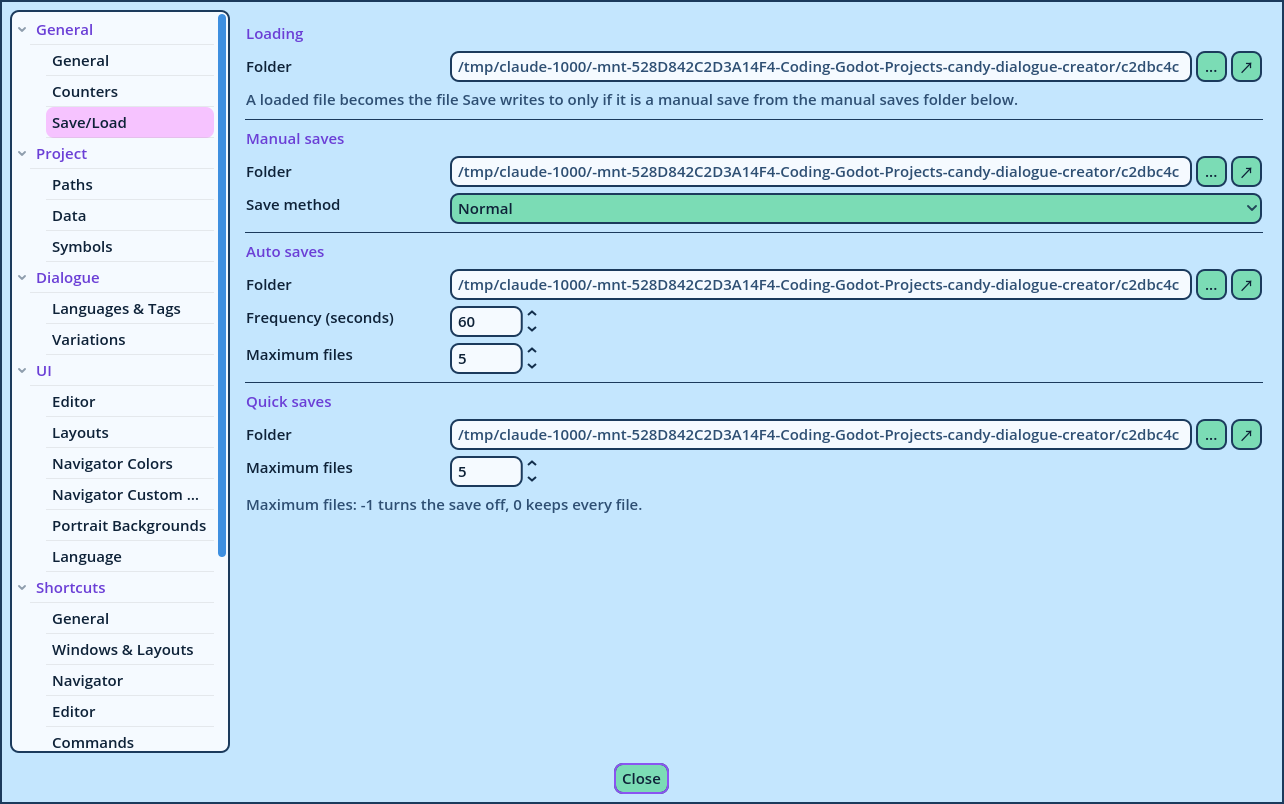
| Setting | Description |
| Folder | The folder File > Load Dialogue... opens in. Empty: the profile's Saves folder. |
| Setting | Description |
| Folder | The folder Save, Save As... and Save Incremental open in. Empty: the profile's own folder. |
| Save method | Normal: Save overwrites the current save file. Incremental: Save writes a new file beside it, stamped with the date and time. |
| Setting | Default | Description |
| Folder | Empty | The folder auto saves are written to. Empty: the profile's own folder. |
| Frequency (seconds) | 60 | The interval between auto saves, when the Dialogue changed. 5 seconds at least. |
| Maximum files | 5 | The number of auto saves retained before the oldest is replaced. -1 disables auto saving. 0 retains every file. |
| Setting | Default | Description |
| Folder | Empty | The folder quick saves are written to. Empty: the profile's own folder. |
| Maximum files | 5 | The number of quick saves retained before the oldest is replaced. -1 disables quick saving. 0 retains every file. |