

Shortcuts
Settings > Shortcuts
Every keyboard shortcut of Candy Dialogue Creator can be changed. The Shortcuts category has one page per group of actions.
For the list of shortcuts and their default keys, see Keyboard Shortcuts.
| Page | Actions |
| General | Undo and redo, saving and loading, export and import, testing, the settings. |
| Windows & Layouts | Edit Layout, new windows, quick layouts. |
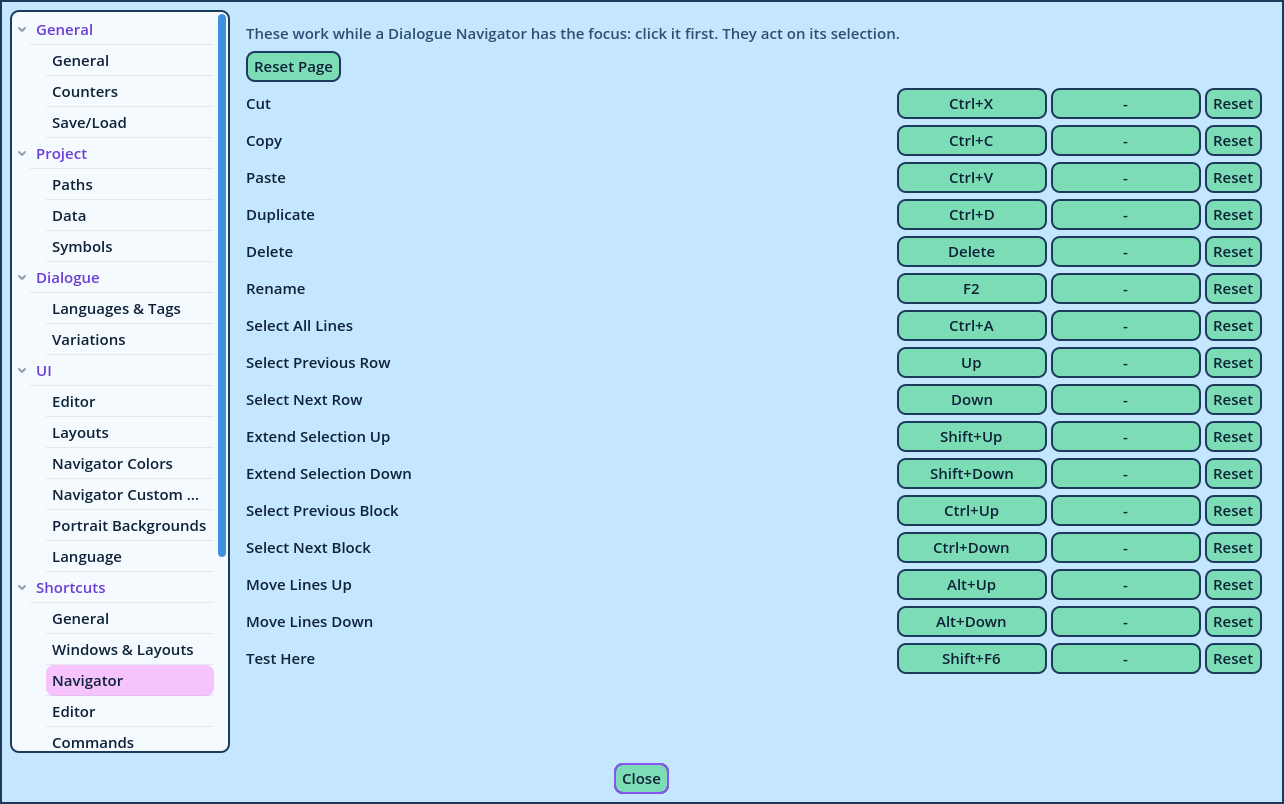
| Navigator | Selecting, moving, copying and deleting in the Dialogue Navigator. |
| Editor | Moving from Line to Line, tab to tab and Variation to Variation, and editing tags. |
| Commands | One action per Command: adds a Line of that Command. |
| Presets | One action per Preset: inserts it. |
| Inserts | One action per insert: types it. |
| Button | What it does |
| Reset | Restores the action's default keys. |
| Reset Page | Restores the default keys of every action of the page. |
| Group | Where |
| General, Windows & Layouts, Editor, Commands, Presets, Inserts | In every window. A text field being typed in retains the keys it uses itself: there, Ctrl+Z undoes the typing, and Ctrl+C copies text. |
| Navigator | While a Dialogue Navigator has the focus: click its list first. They act on its selection. |
| Edit Tags | While an Advanced Speech Editor has the focus. |
- In menus, right of the item.
- In the tooltip of the buttons that have a shortcut, such as Test.