

Variations Settings
Settings > Dialogue > Variations
Every Variation name that the languages and tags of the Languages & Tags page combine into, with a switch to disable the ones you don't use.
With a few tags, combinations multiply quickly: two tags with two values each, three random tags and four languages already produce more than a hundred names. Disabling what your game doesn't use shortens the lists of the Dialogue Editor.
A line at the top counts the combinations, those with random tags, and the Variations in use.
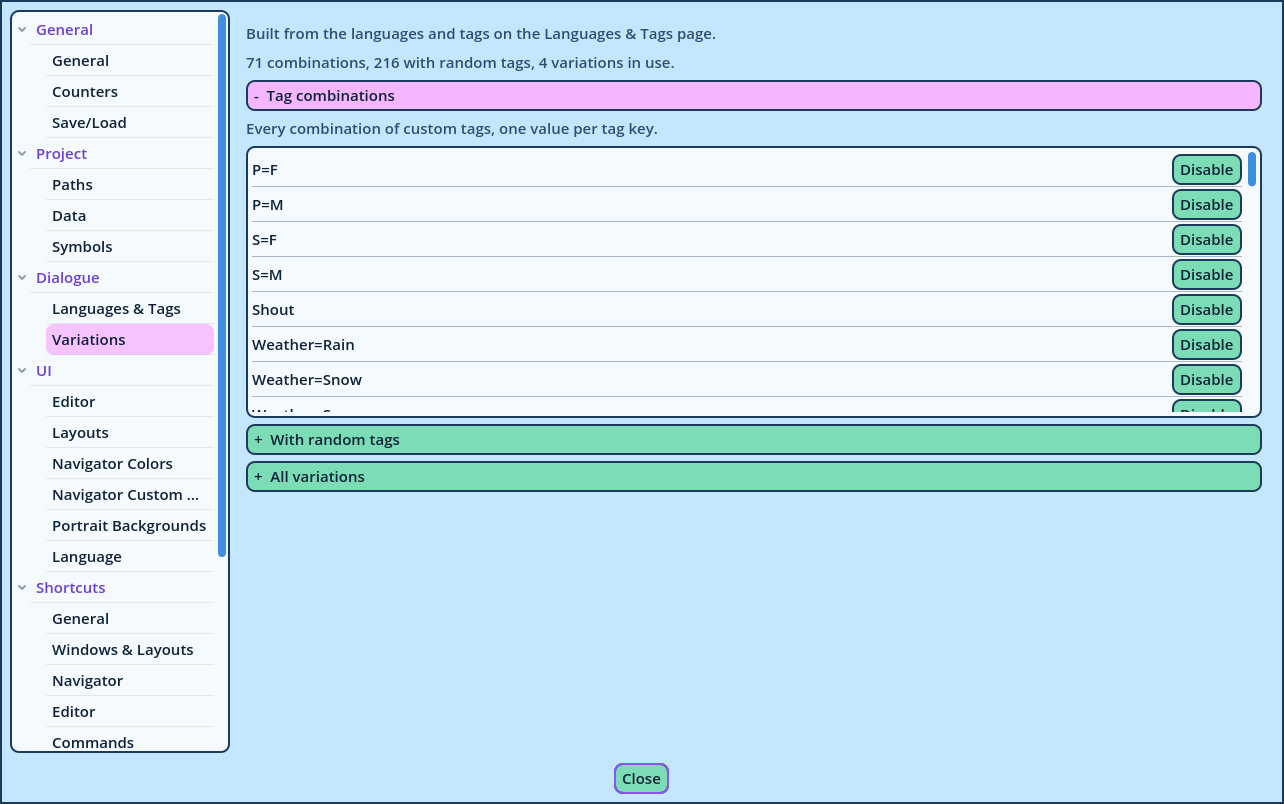
| Section | Lists |
| Tag combinations | Every combination of custom tags, with one value per tag. |
| With random tags | The combinations above, each with a random tag. |
| All variations | Every Variation name, language by language. Unfold a language to see its Variations. |
- A combination is disabled by itself, not its tags: disabling
P=MleavesP=M_S=Fenabled. - Disabling propagates. A combination disabled in the first list disappears from the second, and from every language of the third.
- In the third list, a Variation can be disabled for one language only.
- Isn't listed in the Variation Selector.
- Receives no Group in a Variation Editor.