

Settings
The Settings window contains the settings of the open project profile. Open it with Edit > Settings... (Ctrl+Comma).
The pages are listed on the left, sorted in categories. The selected page is displayed on the right.
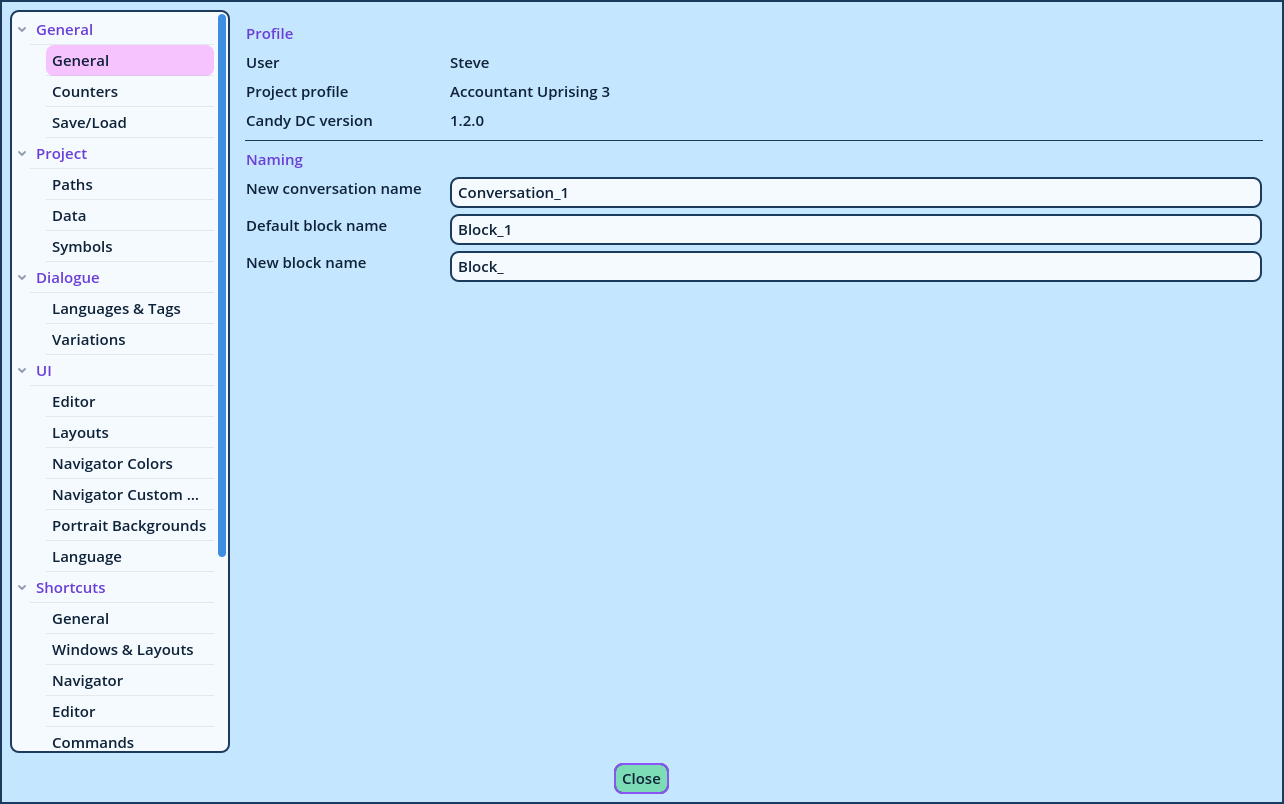
| Category | Pages |
| General | General, Counters, Save/Load |
| Project | Paths, Data, Symbols |
| Dialogue | Languages & Tags, Variations |
| UI | Editor, Layouts, Navigator Colors, Navigator Custom Mode, Portrait Backgrounds, Language |
| Shortcuts | One page per group of shortcuts |
| Theme | Theme, then one page per group of theme settings |