

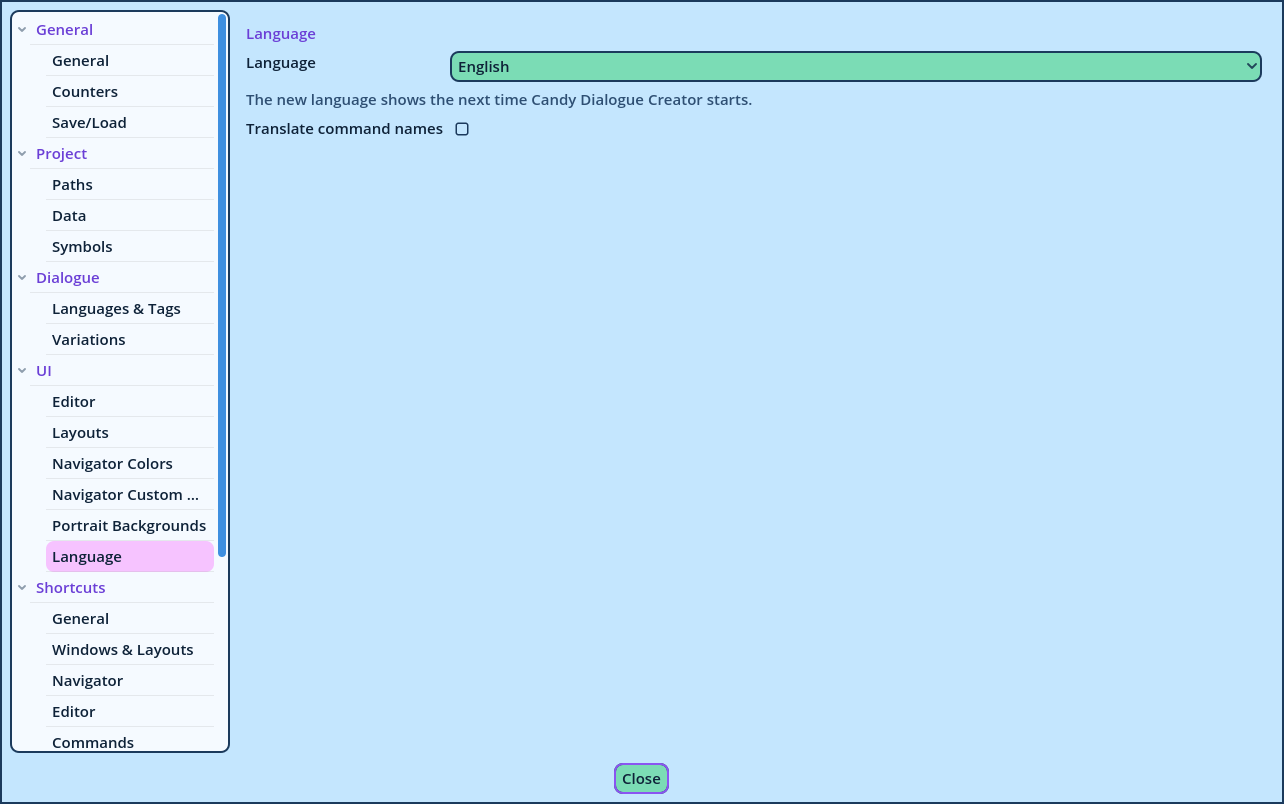
Language
Settings > UI > Language
The language of Candy Dialogue Creator's interface: its menus, Panels, settings, field help and messages. It changes nothing in your Dialogues: the languages of Spoken Lines are Variations (see Variations).
Unlike the other settings, the language isn't stored in a profile: it applies to every user and profile on the computer, and is saved as soon as it's chosen.
| Names | Examples | To rename one |
| Dialogue Editor tabs | Write, Randoms, Translate, TTS | Right-click the tab and choose Rename Tab... (see Line Layouts). |
| Tabs of a Tabs panel, such as the row of Dialogue Buttons panels | Presets, Engine, Media, Choice | Right-click the tab and choose Rename Tab... (see Tabs). |
| Inserts panel categories | Styling, Colors, Symbols, Speech | In the panel's Buttons dialog, select the category and press Rename (see Inserts). |
| Fields widget categories | Writing, Voice, Modes | In the widget's Fields... dialog, select the category and press Rename (see Fields). |
| Filters | Disposition, Setup | In the Filters... dialog, select the filter and press Rename (see Filters). |