

Navigator Custom Mode
Settings > UI > Navigator Custom Mode
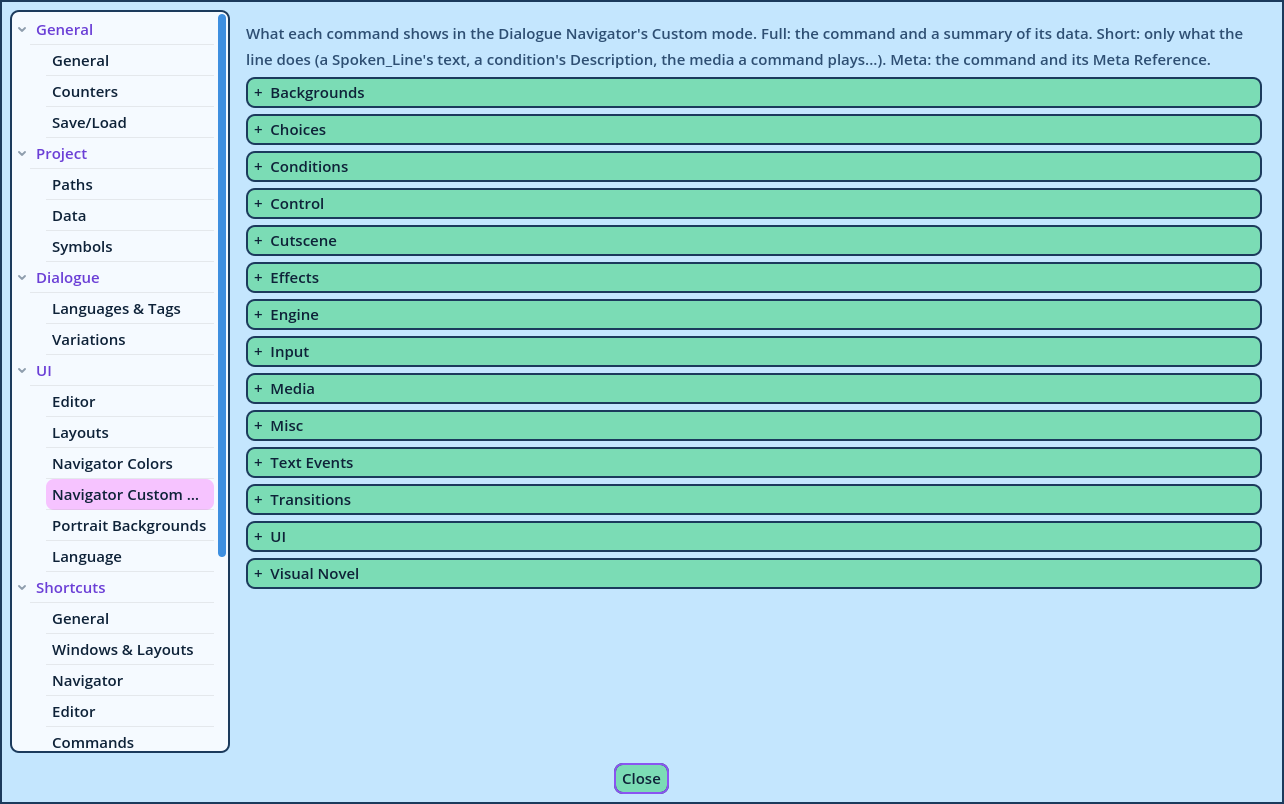
What each Command displays in the Dialogue Navigator when its mode dropdown is on Custom.
The Navigator has three fixed modes, which apply to every Line:
| Mode | Each Line displays |
| Full | The Command and a summary of its data. |
| Short | Only what the Line does: a Spoken Line's speaker and text, a condition's Description, the media a Command plays. |
| Meta | The Command and its Meta Reference. |
- Spoken_Line to Short, to see the speaker and the text only.
- The Condition commands to Short, to read their Description instead of their expression.
- The Media commands to Short, to see only the files that play.
- The Control commands to Full, to see exactly what they change.