

Meta Data
Every Line carries a few fields that Candy Dialogue Engine never reads. They are for you: a name for the Line, notes for the people who work on the Dialogue, and free data for your game's own code.
In the default layout, they are on each Command's first tab, where the Custom, Meta Reference and Notes filters display or hide them, and the notes also have a tab of their own, Notes.
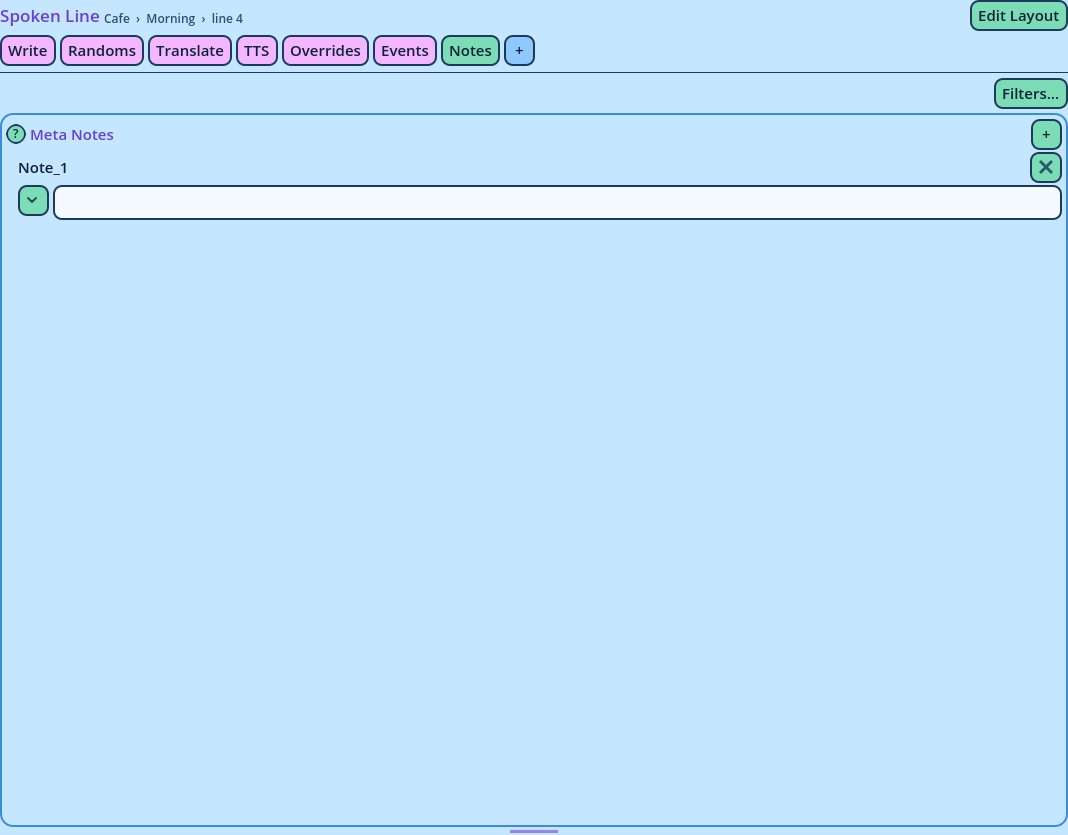
Note_1, Note_2 and so on. A Line starts with one.
- + adds a note.
- × removes one, after asking.
Custom_1, Custom_2 and so on.
Custom Data exists at two levels:
- On the Line itself.
- On each entry inside it: each choice, category and timer of a Choice List, each player of a Media Play, each Variation of a Spoken Line.
custom_data argument. Custom_1 is the first value, Custom_2 the second, and so on, which is why they are always numbered from 1 with no gap: removing one renumbers those after it.
For example, a choice could carry the price of what it buys, for your choice button's script to display. How your code receives Custom Data is explained in the Candy Dialogue Engine documentation.
Values are passed as written: an expression isn't evaluated.
In the Dialogue File
Meta data is exported with the Line, in a Meta key:
"Meta": {
    "Meta_Reference": "",
    "Meta_Notes": { "Note_1": "" },
    "Custom_Data": { "Custom_1": "" }
}