

Converting 1.1 Files
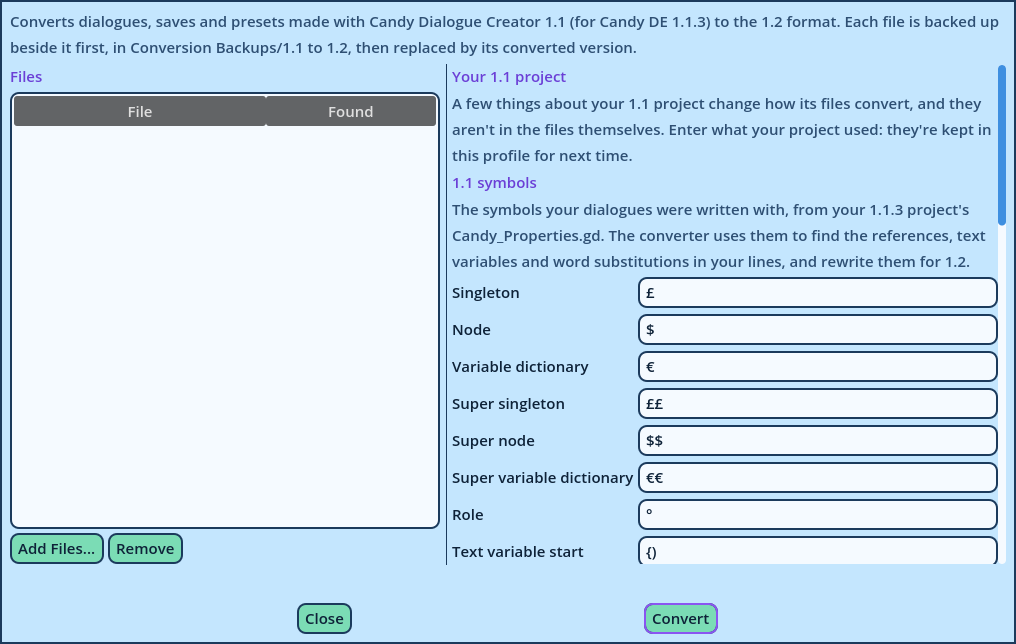
Dialogues written with Candy Dialogue Creator 1.1, for Candy Dialogue Engine 1.1.3, use a different format: Commands were renamed, merged and given new keys in 1.2. The Dialogue Converter rewrites those files in the 1.2 format.
It converts three kinds of files:
- Exported Dialogue files.
- Saves.
- Preset files (user_presets.txt and profile_presets.txt).
| Setting | Applies to |
| Text To Speech | Lines with TTS on. In 1.1 they were read in your Engine's TTS mode. In 1.2 each Line names its own mode, so this one is written into them. |
| Portrait node | Every Spoken Line. In 1.1, a portrait played differently depending on the node that displayed it. 1.2 counts loops instead, so the converter needs the node to preserve each portrait's playback. |
| Dialogue UI | The Hide, V_Show and I_Show commands, which become UI_Z. Tick only the dialogue UI elements your Engine has. |
| Background layers | BG commands with no Layers, which meant every layer in 1.1. 1.2 requires each layer to be named: list your background scene's layers, separated by commas. |
- Writes a backup of the original, in a Conversion Backups/1.1 to 1.2 folder beside the file, in a sub-folder named after the date and time.
- Replaces the file with its converted version.
| Mark | Meaning |
| Check | The converted Line may not do what it did in Candy Dialogue Engine 1.1.3, or requires data the Dialogue doesn't contain. Review it. |
| Note | The Line does what it did, written differently. |
RESET animation. Converted Lines retain 1.1.3's behavior: the effect stops on its current frame. For the new behavior, change their Stop Frame.
Variation names
Broken Variation names are repaired during the conversion and listed in the report. A file with names that can't be repaired is left as it is: correct them in the file, then convert it again.