

Candy Logo

General
Settings > General > General
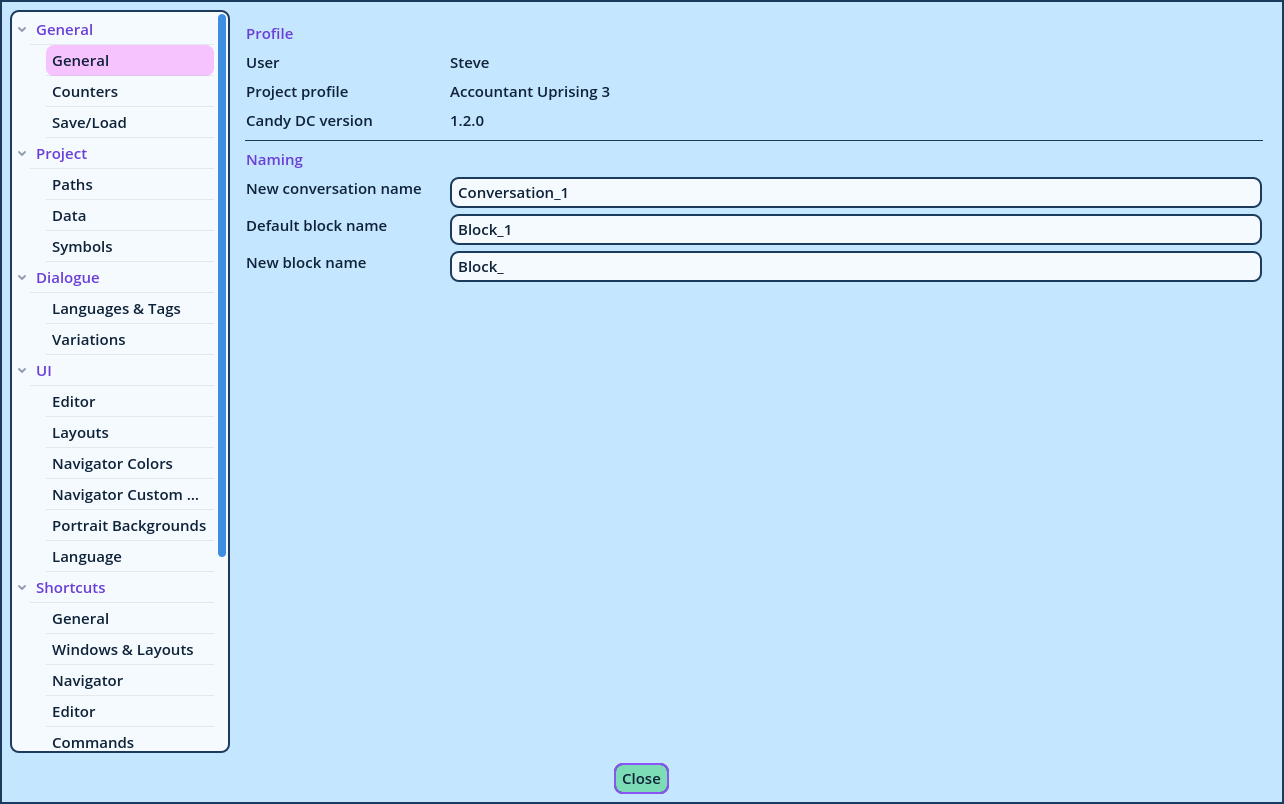
Settings General
Profile Displays the user and the project profile that are open, and the version of Candy Dialogue Creator. These can't be changed here: users and profiles are renamed on the landing screen (see Users and Profiles). Naming The names Candy Dialogue Creator suggests for new Conversations and Blocks.
SettingDefaultDescription
New conversation nameConversation_1Suggested when a Conversation is added. Also the name of the Conversation a new Dialogue starts with.
Default block nameBlock_1The name of the Block every new Conversation starts with.
New block nameBlock_Suggested when a Block is added.
A suggested name is only a starting point: any name that isn't already in use can be typed when adding a Conversation or a Block.